
Settings
Five panels: what goes on a printed header, the shifts your cell menu offers, your OnTrack password, the labels the cell menu's Other list offers, and a reset for the calendar links you have handed out. Invite codes and API tokens are not here: Joe mints those from a separate admin console.
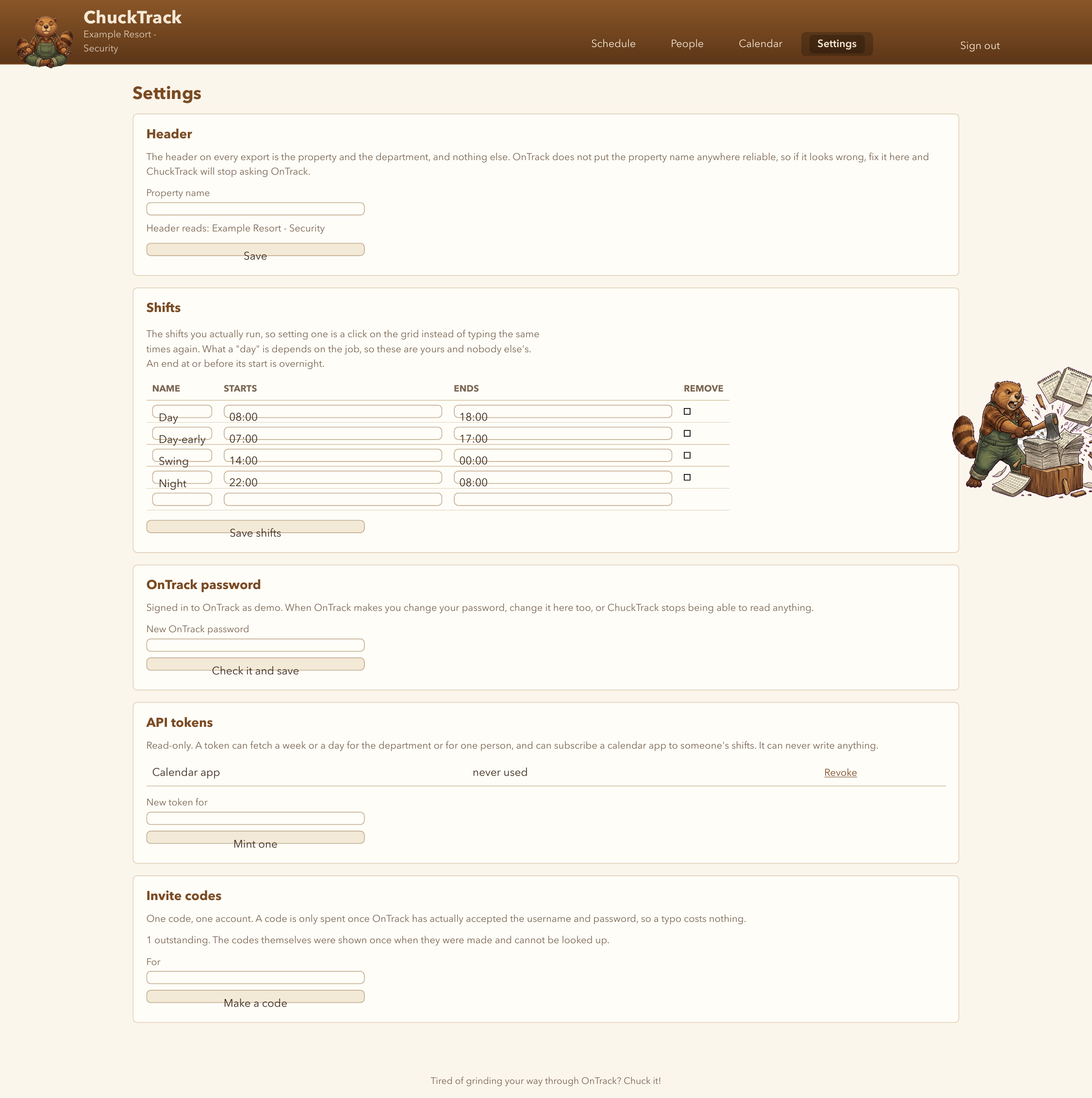
Header
Every export prints the property and department name. OnTrack doesn't expose the property name anywhere reliable, so if it reads wrong, type the right one here once.
Shifts
The named shifts that appear as one-click buttons in the schedule's cell menu - Day, Swing, Night, or whatever this department actually runs. An end time at or before its start means overnight.
OnTrack password
When OnTrack makes you change your password, change it here too, or ChuckTrack stops being able to read your schedule. It is checked by actually signing in before it is saved, so a typo costs a retry, not a lockout.
Cell labels
The list the cell menu's Other button offers, with a colour for each. A label marked as a marker says when a salaried manager started rather than being a shift; it books no hours in OnTrack, and ChuckTrack's Hrs total assumes a day for it. The first label in the list is what the cell menu's Off button sets.
Calendar links
Each person's calendar link on the People page can only ever show that one person's shifts. If a link has got somewhere it should not be, this resets every link the account has handed out at once; the People page then shows new ones to send. See Printing, sharing and the API for how the links are used.